Blog
BackupLatte Blog
Guides to backing up SaaS workspaces, recovering data, and keeping your team's work safe.
-
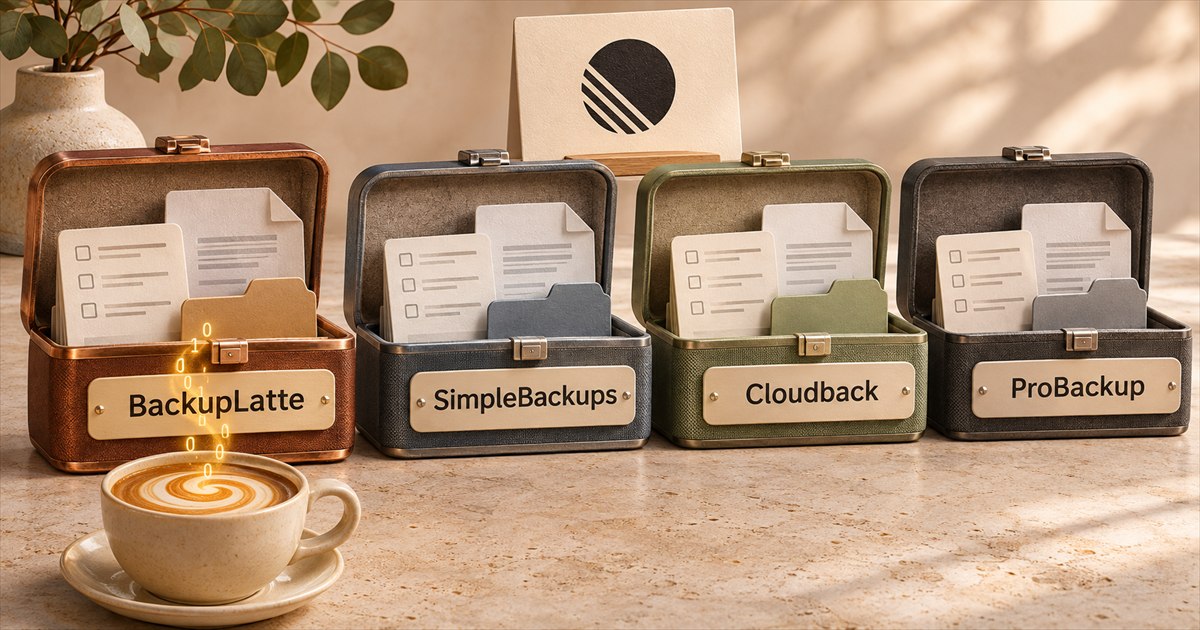
Linear backup tools compared
Compare BackupLatte, Cloudback, ProBackup and SimpleBackups for Linear backups. See restore options, file coverage, storage, encryption and monthly prices.
-
Encrypt Linear and ClickUp backups with your own key
Encrypt Linear and ClickUp backups with your own RSA key. Learn how to enable encryption in BackupLatte, keep a spare key, and restore or export your data.
-
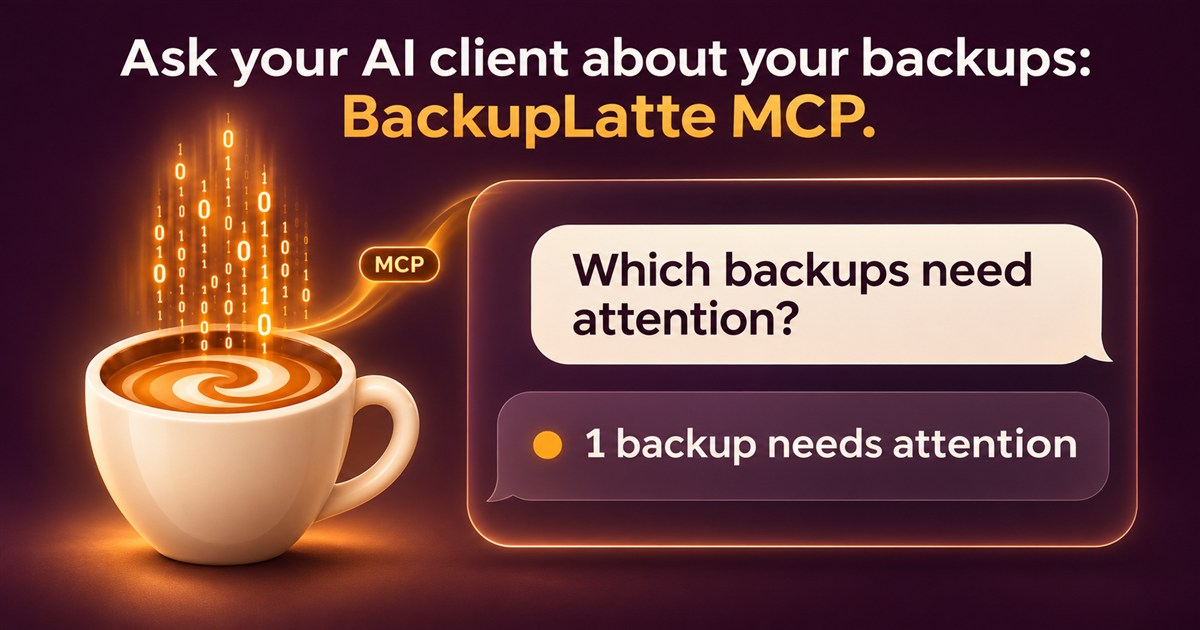
Ask your AI client about your backups: BackupLatte MCP
BackupLatte now has an MCP server. Ask your AI client which Linear and ClickUp backups failed, what a snapshot covered, or whether you can run a backup now.
-
How to back up and restore your ClickUp workspace
Learn how to back up a ClickUp workspace with CSV exports or daily snapshots, and how to restore deleted lists, tasks, and Docs.
-
Fake nuclear alerts: first Ukraine's air raid app, then Russia's
On 1 November 2026 hackers sent fake nuclear alerts through Ukraine's Air Alert app. Hours later, Russia's emergency ministry app got the same treatment.
-
Rosstat hack: what is claimed and what is confirmed
Silent Crow and Cyber Partisans claim a Rosstat breach and data wipe. What the attackers allege, what Rosstat confirms, and why isolated backups matter.
-
Chainalysis got hacked: what we know about the AI attack
Chainalysis disclosed a breach involving agentic techniques. What customer data was accessed, what remains unknown, and the lessons for AI security.
-
Two hacks in one day: what happened at Binance and Polymarket
Binance and Polymarket were both hacked on 29 October 2026 through access they already trusted. How the attacks worked and what was taken.
-
Before you give an AI agent write access to Linear
Before an AI agent or MCP client starts editing your Linear issues: how to limit its access, see what it changed, test it on a copy and clean up.
-
When the cloud can't give your work back
We trust the cloud to keep our work safe. AWS's Middle East data loss is a reminder to ask where we would turn if our usual tools could not give it back.
-
Can you recover deleted Linear issues after 30 days?
Deleted a Linear issue more than 30 days ago? Recovery depends on a saved copy. Check older backups, exports and the limits of restoring them.
-
Linear CSV export vs. automated backup
Compare Linear CSV exports with daily backups: what each saves, how recovery works, and how to choose based on the data your team needs back.
-
How to back up and restore your Linear workspace
What Linear's 30-day recovery and CSV exports can save, where they fall short, and how daily backups help you recover issues, comments and files.