
Linear backup tools compared
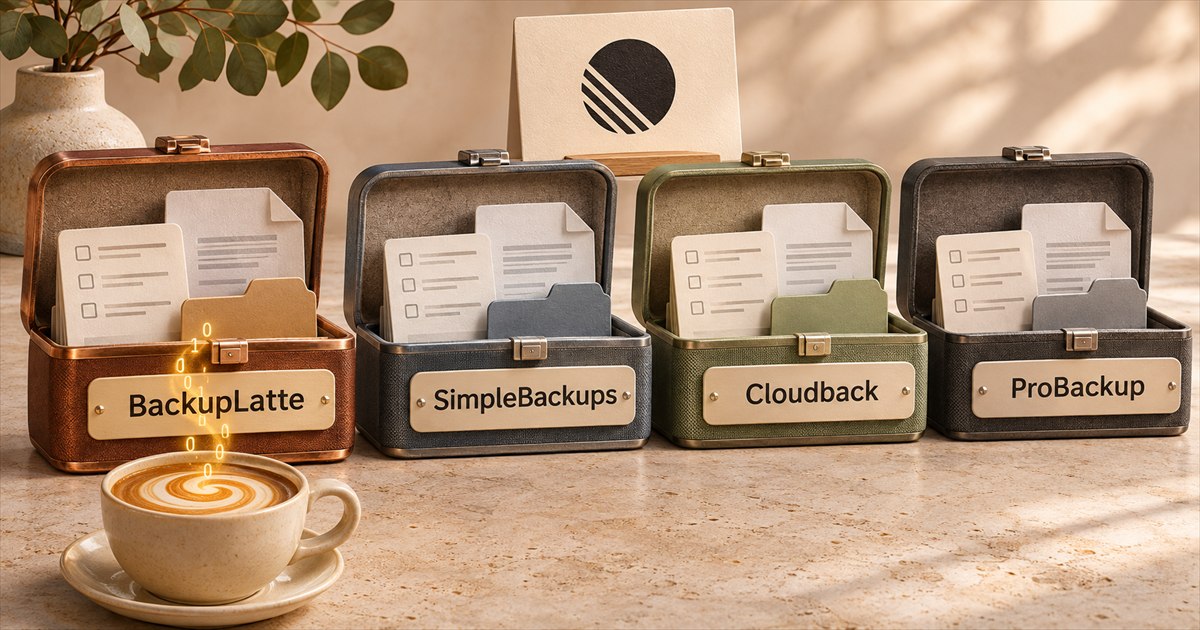
A deleted project, an overwritten issue and a lost workspace call for different kinds of recovery. The four backup tools in Linear's integrations directory all take daily snapshots, but their restore options, file coverage and pricing differ.
We build BackupLatte. We compared the vendors using their published documentation. The linked sources let you check the details that matter to your team.
Where each one can restore
BackupLatte combines recovery into another connected workspace with missing-record recovery in the workspace your team is using. Here is how the four services handle those destinations.
| Service | Another workspace | Original workspace |
|---|---|---|
| BackupLatte | Yes | Recover missing records |
| SimpleBackups | Yes, preferably empty | Separate destination required |
| Cloudback | Empty target required | Must be emptied first |
| ProBackup | Unsupported | Copies or field rollback |
BackupLatte can restore into a new workspace, into another one you've connected, or back into the workspace the snapshot came from. In the original workspace, only missing records are created. Deleted issues and projects still in Linear's trash are taken out of it, and existing records keep their current values. For an overwritten description, you can recover the old text from the snapshot and copy it back. Restored comments include the original author's name when someone else connected the target.
SimpleBackups restores into another workspace and recommends a new, empty destination. Templates, custom views, project-status settings and memberships aren't recreated, and people are matched by email. Authors and dates are kept where Linear allows it, and interrupted restores can resume. See its recovery documentation.
Cloudback requires an empty destination, with no projects, custom views or labels and no more than the default team. The original workspace can be used once emptied. Actions by people absent from the target are attributed to Cloudback's app user.
ProBackup restores deleted issues as new copies in their original teams, with new identifiers. It can also overwrite selected fields of an existing issue with backed-up values, including the description, status and assignee. Restoring a project creates a copy and can move existing issues into it. Teams and users can't be restored, and restored comments show the name of the person who connected ProBackup. Its documentation limits recovery to the original location. See the Linear restore guide and destination limits.
Monthly price
For one Linear workspace, before tax and without annual discounts or temporary promotions. Customer-storage charges are separate.
| Active members | BackupLatte | SimpleBackups | Cloudback |
|---|---|---|---|
| 5 | $8 | $10 | $10 |
| 10 | $16 | $20 | $20 |
| 25 | $39 | $49 | $50 |
| 50 | $59 | $99 | $75 |
| 100 | $79 | $99 | $93.75 |
BackupLatte has the lowest monthly price in these examples among the three services priced by members. Its fixed plans include 15 to 300 GB of managed storage, restore, and the option to use your own encryption key.
SimpleBackups adds Linear capacity at $10 per 5 members to its free Basic plan, or includes 25 members in Lite ($49) and 100 in Plus ($99). Basic includes 1 GB of SimpleStorage, with your own storage also supported. See its Linear offer and plan prices.
Cloudback bills the first 25 active members at 2 units each, then 1 unit per additional member. The table uses Basic blocks at $10 per 10 units for smaller teams, and Team at $75 for 100 units. For 100 members, the $93.75 example uses Team Pay-as-you-go, with 25 additional units at $0.75. See the Linear unit model and subscription prices. The available subscription combination determines the final price.
ProBackup uses storage-based pricing across supported apps on its direct subscription. Its Plus plan starts at $31/month for 10 GB with 6 months of history. Storage includes the retained daily snapshots, so the required tier depends on your data volume and retention. This can work out cheaper for a larger team with a small archive. Its Jira, Confluence and monday.com marketplace offers have separate pricing. See ProBackup pricing.
SimpleBackups, Cloudback and ProBackup also offer discounted annual billing. BackupLatte bills monthly.
What gets saved
BackupLatte copies supported files uploaded to Linear by default and reports gaps when something couldn't be captured. For recovery into another workspace, it uploads saved files and rewrites their links. It also restores archived records as archived. See backup contents and restore behavior.
SimpleBackups downloads eligible Linear-hosted files when you enable Embedded files, on a best-effort basis. Its current restore retains the original links instead of uploading the saved files again. Cloudback downloads embedded files and re-uploads them during restore, while keeping attachment metadata and URLs. ProBackup stores files attached to issues, but keeps inline images in descriptions, comments and documents as links to Linear. See the SimpleBackups guide, Cloudback contents and ProBackup coverage.
All four capture issues, comments, projects and documents. The differences extend beyond those core records.
- BackupLatte saves 55 data sets, with 5 additional sets available through admin access, including the audit log and workspace settings. Its published coverage includes issue history, customer requests and releases. The restore supports up to 43 sets, while history remains available to download.
- SimpleBackups also lists cycles, initiatives, templates, custom views and archived items.
- Cloudback lists 23 categories, including cycles, initiatives, templates and custom views. Its published contents list doesn't establish whether archived records are included.
- ProBackup includes archived items, but lists cycles, workflow settings, initiatives, project updates, comments on documents, customer requests, views, templates and issue history among its exclusions.
Vendors group their records differently. Compare the data your team uses and whether it can be restored, alongside the category count. Coverage also depends on access to source data and the source and destination Linear plans.
Storage and encryption
BackupLatte includes managed EU storage and customer-managed encryption on every plan, so you can protect the stored copy with your own key without configuring a separate storage account.
| BackupLatte | SimpleBackups | Cloudback | ProBackup | |
|---|---|---|---|---|
| Managed storage | Cloudflare R2 in the EU | SimpleStorage in the EU or US | US, EU, UK, Sydney or Singapore | AWS, with a region selected at signup |
| Your own encryption key | Yes, on every plan | Yes, optional | Yes, RSA Lockbox | Not listed |
| Your own storage | No | Yes, including S3-compatible storage, Azure, Backblaze B2 and Dropbox | Yes, including AWS, Azure, Google Cloud, Wasabi and OneDrive | Own buckets not documented. Google Drive sync on Pro/Premium |
Customer-managed encryption protects the stored copy. BackupLatte reads the workspace to create each backup and can read an encrypted snapshot while it holds temporary data keys for a run, retry or an operation you unlock. Your private key is read locally in your browser. See our encryption guide. Storage-provider options are documented by SimpleStorage, Cloudback and ProBackup.
Schedules and retention
BackupLatte runs once a day at the hour you choose, plus one manual backup every 24 hours. Every plan supports retention from 1 to 365 days per workspace.
SimpleBackups lets you choose the schedule and restore-point retention. Its pricing page lists daily backups on Basic, up to every 12 hours on Lite and up to every hour on Plus. Cloudback supports daily and custom schedules, with retention of 30, 90, 180 or 360 days. ProBackup runs every 24 hours, with 6 months of history on Plus, 2 years on Pro and 4 years on Premium. See SimpleBackups plans, Cloudback schedules and retention and ProBackup plans.
MCP for AI clients
BackupLatte includes a Model Context Protocol (MCP) server on every plan. Ask a compatible AI client which Linear or ClickUp workspaces need attention, find failed or partial backups, and check backup summaries or restore status. With the manual-backup permission, you can check eligibility using a dry run before queuing a backup.
SimpleBackups and Cloudback also provide MCP integrations, with their own tool sets. The ProBackup product documentation reviewed doesn't describe a backup-management MCP server.
Try a recovery before you need one
Create a test issue with a comment and an uploaded file, run a backup, then delete the issue. Recover it and check that the comment and file open in the destination. If recovering overwritten fields matters to your team, change a second issue's description and check that workflow too.
You can try BackupLatte with a 14-day Growth trial, including backups and restores. Create an account, then email support from your account address. There is no automatic charge when it ends, and the first payment has a 14-day money-back guarantee.
SimpleBackups and ProBackup offer 7-day trials without a card. Cloudback offers a 14-day trial through direct card checkout or GitHub Marketplace, with a one-month trial through Azure Marketplace. Its free repository plan doesn't cover Linear. See the SimpleBackups trial, ProBackup trial and Cloudback trial terms.
BackupLatte also supports ClickUp on a separate plan. SimpleBackups covers databases, servers and other SaaS apps, Cloudback covers GitHub, GitLab and Azure DevOps, and a ProBackup subscription covers its supported apps together.
For a walkthrough, see our Linear backup and restore guide. Send corrections to support@backuplatte.com.
Vendor documentation and BackupLatte implementation checked on 19 November 2026.